
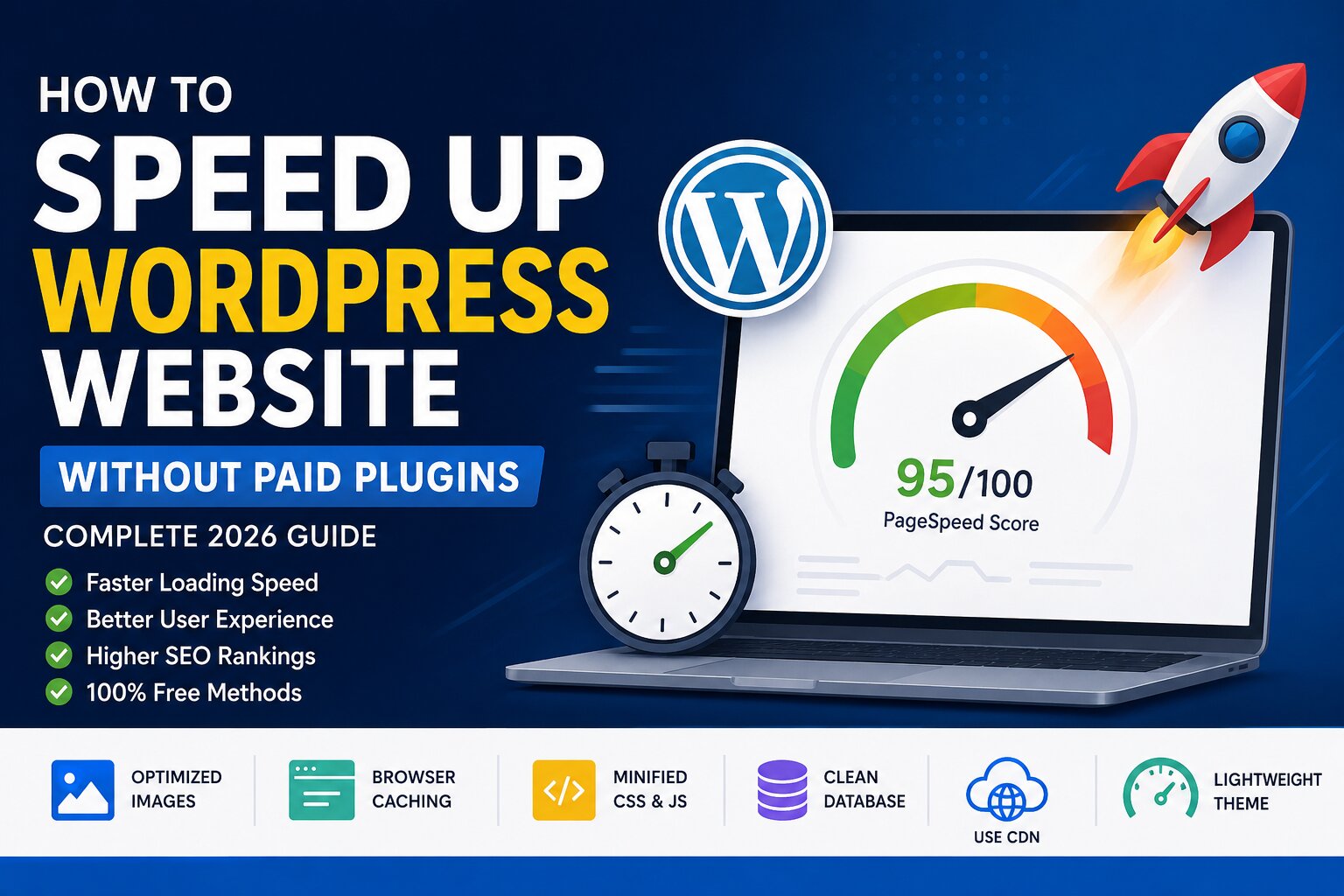

Website loading speed is no longer a technical thing. No matter what type of website you have, be it a personal blog, an e-commerce site, portfolio, or business website, slow loading speed may irritate visitors and push them off your website before they start exploring the content of your website.
As researches show, people always expect sites to be loaded in a couple of seconds. Slow loading pages may make visitors leave the website and increase your bounce rate. Moreover, search engines use website loading speed as a ranking factor, so it becomes important to have high loading speed for your website because otherwise, it will lose organic traffic.
Luckily, you don't have to spend money on premium plugins to make your website work faster. WordPress already provides you with some functions and many other things that you can do to make your website fast, which won't require you to pay any money.
In this article, you will find easy ways to speed up your WordPress website without purchasing anything from premium optimization plugins. These tips will come in handy both for beginners and advanced users of WordPress.
The Importance of Website Speed
Website developers are keen on creating high-quality content but tend to forget about its loading time. The speed of your website affects user experience positively and makes your visitors engage with your content, navigate more pages and perform certain actions like filling in the contact form or buying something.
Here is why you have to pay special attention to the speed of your site.
Improved User Experience
Web users expect your website to react to their clicks instantly. Pages that open quickly make the navigation smooth and enjoyable, and all elements are displayed instantly without any delays.
Slow opening pages, on the contrary, provoke frustration and can cause people to give up and move away from the page.
This can create a negative impression of your website.
Increased Google Ranking
At Google, it is their mission to offer the user the best possible experience while searching. The speed at which website pages load will help them rank higher.
Google uses core web vitals for measuring the loading speed. They include loading time, responsiveness of the page and visual stability during loading of content.
Optimizing them increases your chances of ranking high on search results.
Low Bounce Rate
This is used to measure the percentage of visitors who leave a website after visiting one page only.
A website that takes long to load makes visitors leave it before they can interact with the content of the site.
Increasing the speed of your website retains the visitor and makes them navigate other pages.
Conversion Increase
The speed of a website has direct impact on the business results.
If you want to generate leads, sell products or services, gather email subscribers or inquiries, fast websites have high conversion rates.
Test Your Current Website Speed
Before any optimizations, you need to know how well your website performs now.
Performing speed tests will help you know exactly where the problem lies.
There are several reliable services available for free.
Google PageSpeed Insights
This is one of the most widely used tools for website performance analysis.
Provides scores separately for desktop and mobile versions along with useful tips on how to optimize it.
Also measures key Core Web Vitals of your site.
GTmetrix
GTmetrix provides a breakdown of the loading of your website.
Here you will be able to find:
- Larger images
- Slow server response times
- Unnecessary CSS
- JavaScript problems
- Overall loading time
Which makes the optimization tasks more clear.
WebPageTest
With the help of WebPageTest, you can check how your website loads in different countries, on various browsers and internet connections.
Core Web Vitals
Three performance measures are used by Google to rate websites.
Largest Contentful Paint (LCP)
It gauges how quickly the primary content is loaded.
Best time target: Below 2.5 seconds.
Interaction to Next Paint (INP)
It measures how responsive your site is when users interact with the website by clicking, tapping, or typing.
A low INP value means that your website is more responsive.
Cumulative Layout Shift (CLS)
Measuring visual stability.
When your images or text shifts on the page during loading, it results in an increase in your CLS value.
Target CLS value: Below 0.1.
Opt for Fast WordPress Hosting
No optimization will make up for slow hosting services.
The hosting you use determines the performance of your site.
Most website owners add optimization plug-ins without understanding that their slow hosting causes slow performance.
While selecting hosting, some things should be considered:
- Support for latest PHP version
- SSD or NVMe storage
- Server-side caching
- Uptime
- Quality customer support
- Speed of the server
Spending money on good hosting often brings more performance improvements than adding several optimization plugins.
Use a Lightweight WordPress Theme
Theme determines almost every aspect of your website.
Sometimes themes have unnecessary animations, sliders, effects, hundreds of features, and other things which are not needed.
All these features increase file size and lead to slower page load.
Therefore, select themes that will optimize your site’s performance.
The main features of the lightweight theme are:
- Clean code
- Responsiveness for mobile devices
- Dependence on external libraries
- Faster loading
- Compatibility with new page builders
- Updates regularly
A lightweight theme makes less CSS and JavaScript files to download by browsers.
Optimize Images Prior to Upload
One of the major factors making WordPress sites slow is images.
Uploads of large and uncompressed images make visitors download way too many bytes of information.
Luckily, image optimization is one of the easiest ways to increase site performance.
- Choose the Proper Image Format
- Image formats have their unique purposes.
- JPEG format is perfect for photos.
- PNG is better for transparent graphics.
- WebP provides excellent quality with smaller file sizes.
Whenever you can, use the WebP format to gain loading speed.
Resize Images
- Never upload images directly from your camera or phone.
- A picture that measures 5000 pixels wide is not needed if you plan to show it as 1200 pixels.
- Resize images prior to their upload to WordPress.
Compress Images
Compression helps decrease file size while keeping good enough quality of the image.
There are several free services to help you compress the pictures easily.
The smaller images provide faster loading speed.
Implement Browser Caching
Each time a visitor lands on your website, the browser loads files such as:
- Images
- CSS files
- Javascript
- Fonts
- Logos
With no browser caching, all of these files will have to be reloaded each time you receive a visit.
Browser caching is when visitor's browser saves these files locally.
As a result, upon their next visit, many files will already be loaded locally.
Advantages include:
- Increased speed of repeat visits
- Decreased server workload
- Improved performance
- Enhanced user experience
Browser caching can be provided by most hosting services automatically, or there are several free caching plugins for WordPress that will allow you to implement browser caching without paying for additional features.
Optimize CSS, Javascript and HTML
Each web page has code which instructs the browser on how to load the content of that web page.
In the process of coding, the files may contain spaces, comments and other elements which don't affect the work of the files in any way.
Minification is removal of unnecessary information from those files.
Advantages include:
- Small file sizes
- Fast downloads
- Reduction of bandwidth usage
- Fast loading speed
There are plenty of plugins to minify CSS, Javascript and HTML files automatically, and they
Uninstall Unneeded Plugins
Installation of too many plugins is one of the most frequent causes of poor performance of WordPress websites.
Not all plugins harm the website’s speed; however, there may be poorly written plugins or those which do not need to be there.
Check your plugins once in a while.
Questions to ask yourself include:
- Am I using this plugin?
- Does WordPress have this function already built-in?
- Can I use one plugin instead of several other ones?
- Is the plugin always being updated?
This will help you to make sure that you have fewer plugins on your site.
Optimize Your WordPress Database
WordPress database holds all sorts of information from blog posts to comments, settings, and even users. But over time, there will be unnecessary information that clutters your database.
Some types of database clutter include:
- Post revisions
- Spam comments
- Posts/pages that are trashed
- Transients that are expired
- Orphaned metadata
The process of cleaning your database allows WordPress to fetch your information faster and decreases page rendering times.
While using a database optimization plugin, do not set cleanup to daily but once per month to reduce server load. And remember to back up the database prior to cleaning.
Enable Lazy Loading for Images and Videos
One of the easiest methods for increasing page speed is enabling lazy loading.
Rather than loading all of the images and videos on the page as soon as the user opens it, lazy loading loads your media once it is visible.
Let’s say that your article includes twenty images. Only those images that are visible will load first. Rest will load automatically as the user scrolls through the page.
Here are the benefits:
- Increased page load speed
- Reduced bandwidth usage
- Better performance on mobile devices
- Better user experience
- Improves Core Web Vitals metrics
Decrease External Scripts
WordPress websites utilize various third-party services.
These might include:
- Google Fonts
- Live chat scripts
- Social media embedding
- Advertisement services
- Analytics scripts
- Marketing applications
Although helpful, every external call leads to extra load time.
For better optimization:
- Get rid of unused widgets.
- Limit embedded social media items.
- Do not load analytics scripts simultaneously.
- Install only necessary third-party services.
The less number of external calls your site makes, the faster it will load.
Google Fonts Optimization
Fonts are important for both designing and the speed of your website.
Many sites have multiple font families and several font weights that slow down the loading process.
To optimize fonts:
- Use not more than two font families.
- Have only those font weights that you need.
- Delete unused fonts.
- Keep fonts on your local server.
- Enable font-display: swap for better user experience.
Use a Free Content Delivery Network (CDN)
Content Delivery Network (CDN) stores copies of your website's static files on different servers distributed globally.
When your website is accessed by visitors, the CDN provides the files from the closest server to them and not from your primary hosting server.
The process reduces latency and increases the loading time of your site, especially for international visitors.
The following are the files that gets delivered more efficiently using CDN:
- Images
- CSS files
- JavaScript
- Fonts
- Videos
There are some free CDN providers that will help deliver content from your website and make it much faster, even if your budget is limited.
Enable GZIP or Brotli Compression
Every time someone visits your site, the files are being downloaded from your server to his/her browser.
Compression decreases the file size before its sending and makes downloading possible much faster.
Two popular ways of compression are:
GZIP Compression
GZIP is widely used and it works in almost all modern browsers.
It compresses significantly HTML, CSS and JavaScript files.
Brotli Compression
Brotli is the latest compression method designed for efficient performance.
It provides better compression rate than GZIP, and therefore creates files with smaller size.
Stay Updated on WordPress
Most people avoid updates due to concerns regarding compatibility.
Nonetheless, being outdated can have negative impacts on both speed and security.
Update:
- WordPress core
- Themes
- Plugins
- PHP version
Often there are releases from developers that optimize the performance by making things faster, decrease memory use, eliminate bugs, and enhance security.
Prior to doing any updates, create a full backup of your website in case of problems during the process.
Restrict Homepage Content
The homepage is usually the first page a visitor visits.
In case it has many images, videos, sliders, animations, and latest news, loading time will increase significantly.
Things to do for a fast homepage include:
- Show fewer latest posts.
- Use smaller banners.
- Do not use videos in autoplay mode.
- Minimize animations.
- Create a clear layout.
Such actions will give the visitor an excellent first impression about your website and encourage him to continue surfing it.
Turn Off WordPress Features You Don’t Need
WordPress has many features not required by all websites.
When turned off, unnecessary features will help minimize the number of requests to your server and improve your website performance.
Some of them are:
- Emojis
- Inactive widgets
- Embeds
- Pingbacks
- Trackbacks
Deleting unnecessary functions will allow you to have a more streamlined website.
Check Your Website Performance Regularly
Website optimization is a process that cannot be done once.
Each time you add new plugins, big media files or make design changes to your pages – you need to recheck the performance of your website.
Make a regular practice of reviewing your website monthly.
Check:
- PageSpeed Insights score
- Core Web Vitals
- Largest Contentful Paint (LCP)
- Interaction to Next Paint (INP)
- Cumulative Layout Shift (CLS)
The Common Issues that Can Make Your WordPress Website Slow
Website owners may not realize but sometimes their decisions may lead to a drop in speed.
Don't do the following things:
- Installing too many plugins.
- Upload unoptimized images.
- Select bulky themes.
- Ignore regular updates for plugins and themes.
- Use too much animation.
- Embed several videos on the same page.
- Load unnecessary fonts.
- Have bad hosting services.
- Never clean the database.
- Forget to read the reports about Core Web Vitals.
Avoiding just these problems will already boost your website's performance greatly.
FAQ
1. What is an acceptable website loading speed?
Ideally, your website should be loaded within 2-3 seconds. The faster loading website usually means the better user experience and chances for ranking high in search engine results.
2. Is there a relation between website speed and SEO?
Yes. Google ranks the speed of website among other ranking factors.
3. Is it possible to boost WordPress speed without purchasing premium plugins?
Yes. There are plenty of ways of how you can speed up the process by using native WordPress capabilities and free services.
4. How often do I need to optimize my website?
It would be wise to conduct an analysis of your site not less than once per month and each time when you implement changes in terms of plugins, page design etc.
5. What image format is recommended for WordPress?
In most cases WebP works the best since it allows getting better quality images with smaller file size compared to common JPEG and PNG.
6. Does a higher number of plugins slow down a website?
No, in most cases having only a few properly coded plugins does not influence performance negatively.
Concluding Remarks
Website speed improvement does not need to cost a lot of money. Thanks to the free methods described in this guide, you can increase your website efficiency, providing your visitors with a great user experience and optimizing the site for SEO purposes.
To begin with, make sure that you use such methods as image optimization, using a light-weighted theme, and eliminating useless plug-ins. As a further step, you can try out the following ways of improving website speed: lazy loading, optimizing a database, fonts optimization, and utilizing free CDN service.
It is important to keep in mind that website speed optimization is a continuous process and not a one-time task. Proper maintenance and management of your WordPress website will help you ensure that it stays fast and efficient.
As a result, regardless of the type of the website that you manage – it might be either a personal blog or a business/e-commerce website – the time that you spend on the process of improving website speed will pay off.